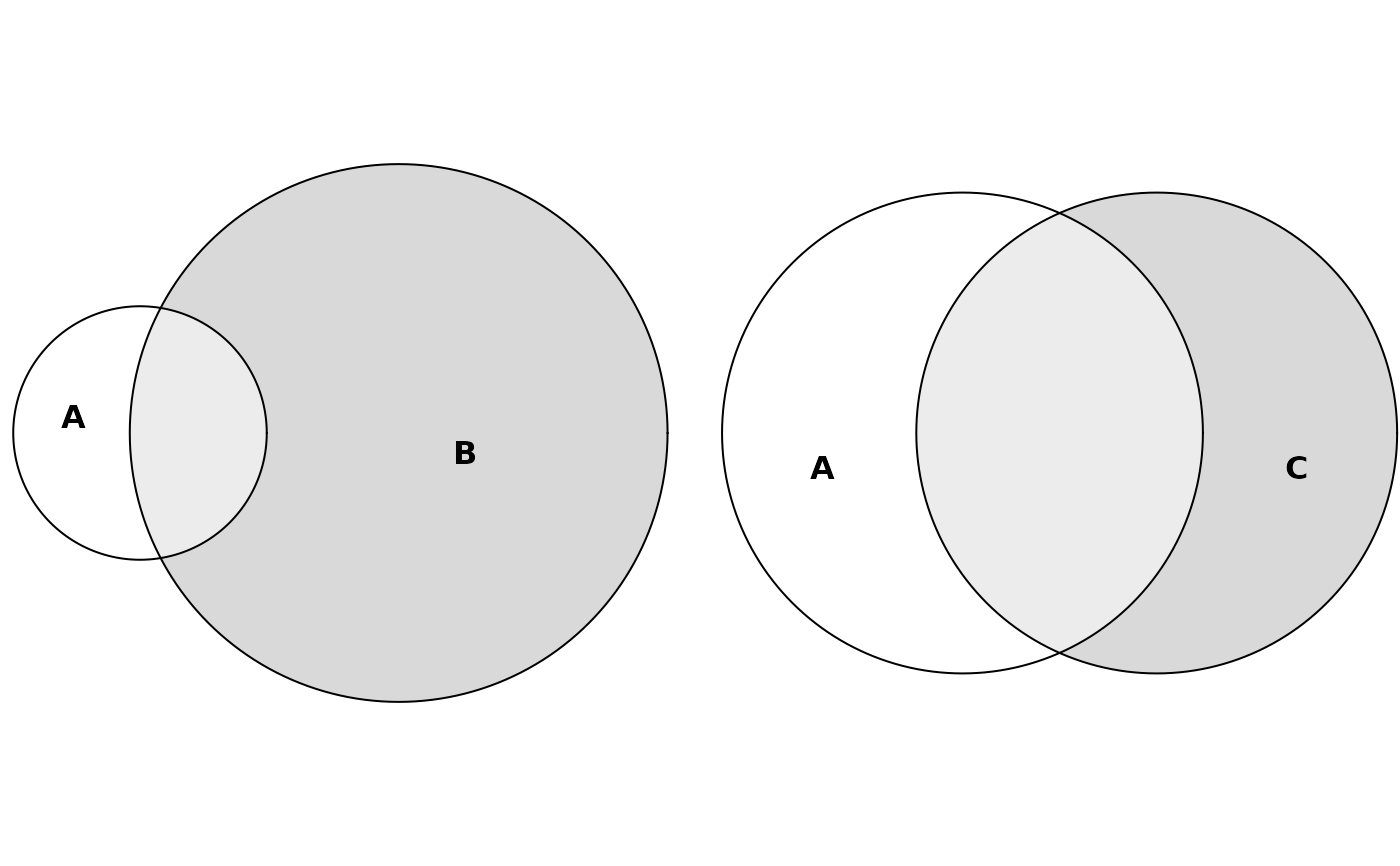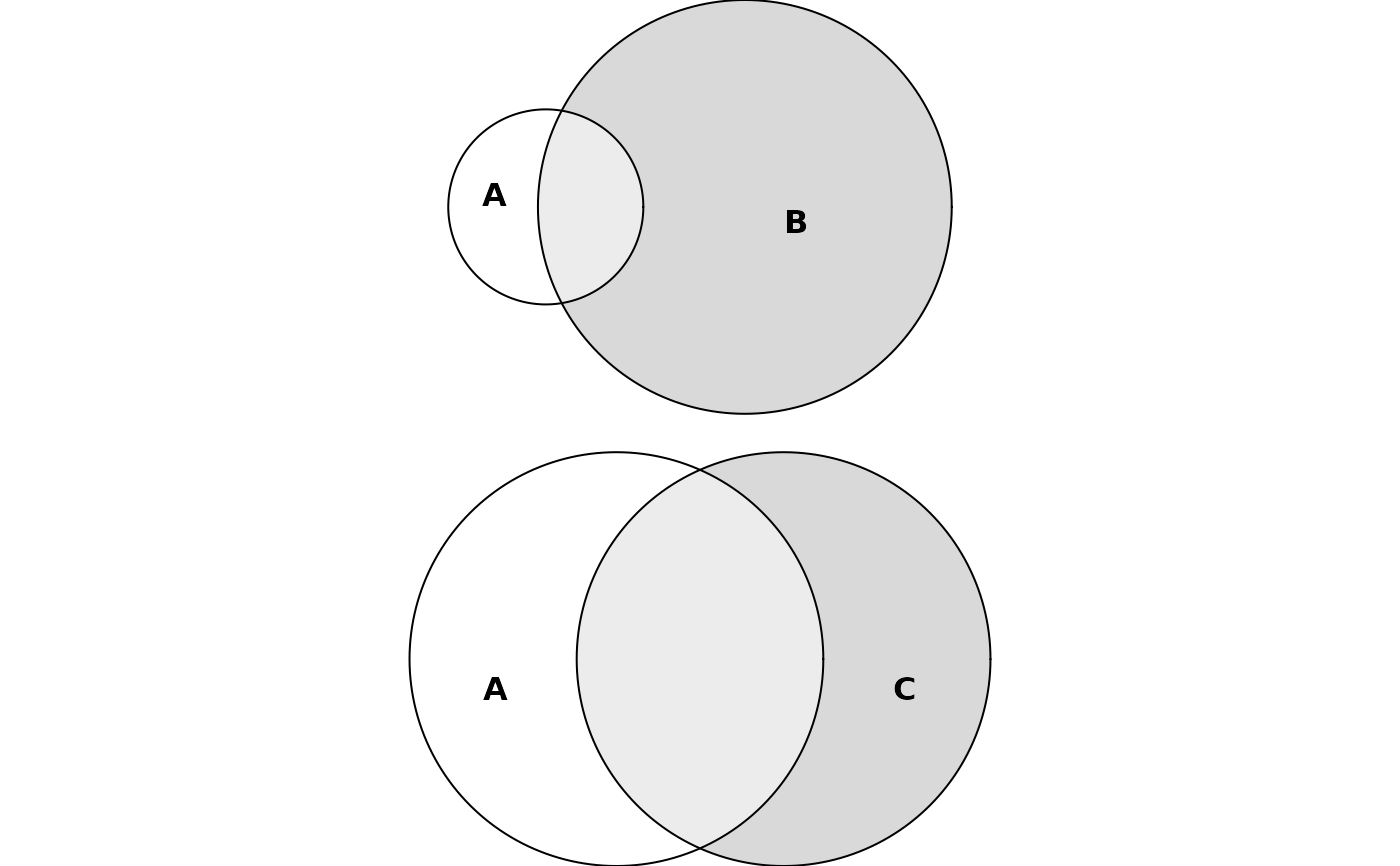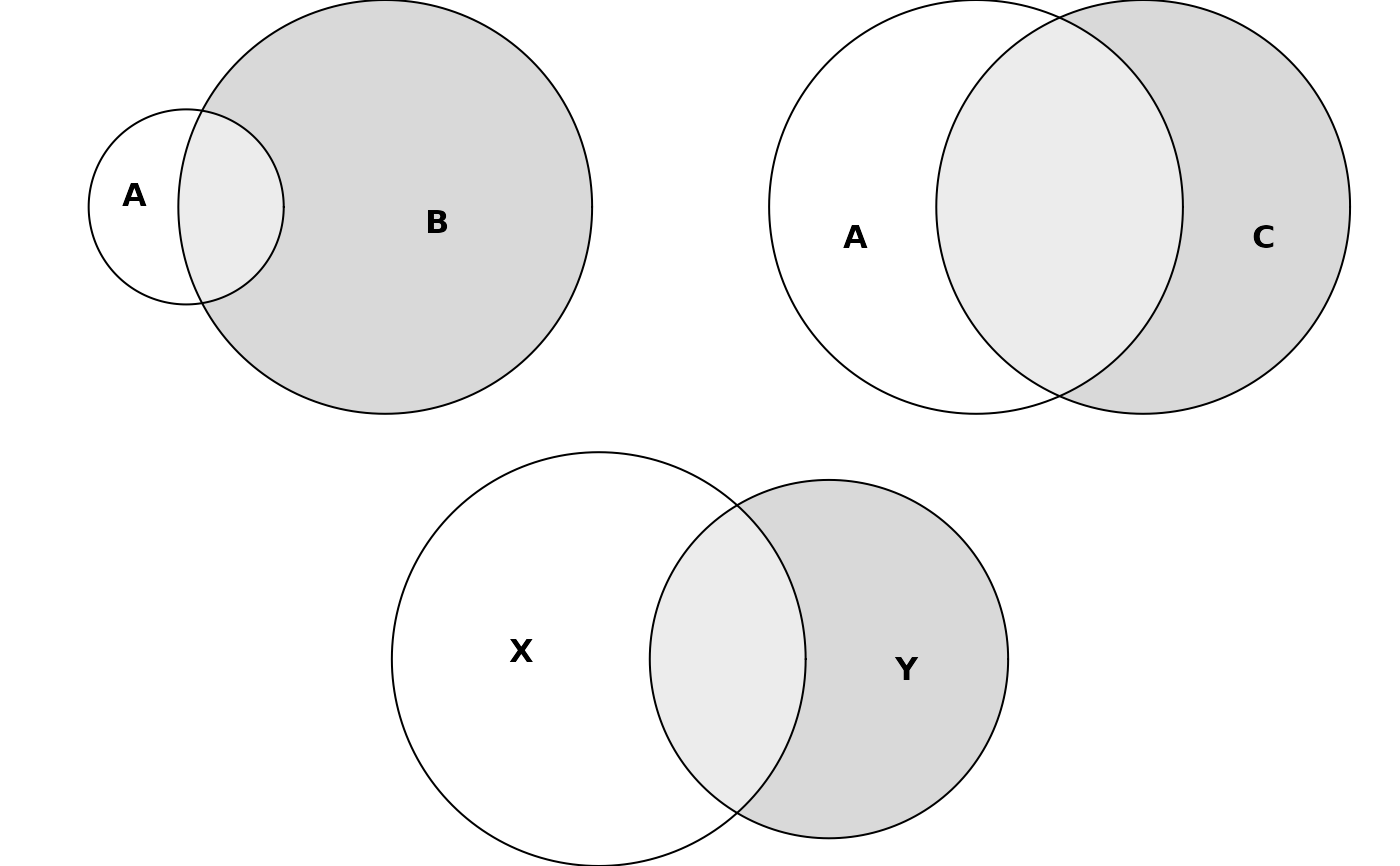
Arrange two eulergram objects side-by-side or stacked, building up
multi-panel layouts with operator syntax. Compositions can be nested
arbitrarily, e.g. (p1 | p2) / p3.
Arguments
- e1, e2
eulergramobjects, typically returned byplot.euler().
Details
| arranges the two plots horizontally; / stacks them vertically.
The result is itself an eulergram, so further composition chains
naturally.
Consecutive operators of the same direction are flattened into a
single row or column of equally sized panels. Thus
p1 | p2 | p3 | p4 produces one row of four equal-width panels rather
than a lopsided nest of binary splits. Use parentheses (or mix | and
/) to force sub-groups: in (p1 | p2) / p3, p3 spans the full
bottom row while p1 and p2 split the top row equally.
The gap between adjacent plots is controlled by the
composition$spacing entry of eulerr_options(), which must be a
grid::unit() and defaults to grid::unit(1, "lines").